I'm not sure using a component signal will work in this case. It seems to only be a passive RGB passthrough to some other cable pinouts. I don't see anything about that db15 looking port either - maybe it maps it to the cable for a monitor from a Japanese computer like the x68000? If you require component video for your NTSC television, you'll need a transcoder. HD Retrovision makes a cable that directly outputs component video from your genesis/md.
I use a
RGB to Component transcoder - CSY-2100 for my non-rgb televisions.
edit-
Googled it, and it really is the same connector as the x68000 analog RGB output. Unfortunately, also googled x68000 to BNC and it's pretty expensive to import one.
What is your display/scaler?
It may come down to one of these projects.
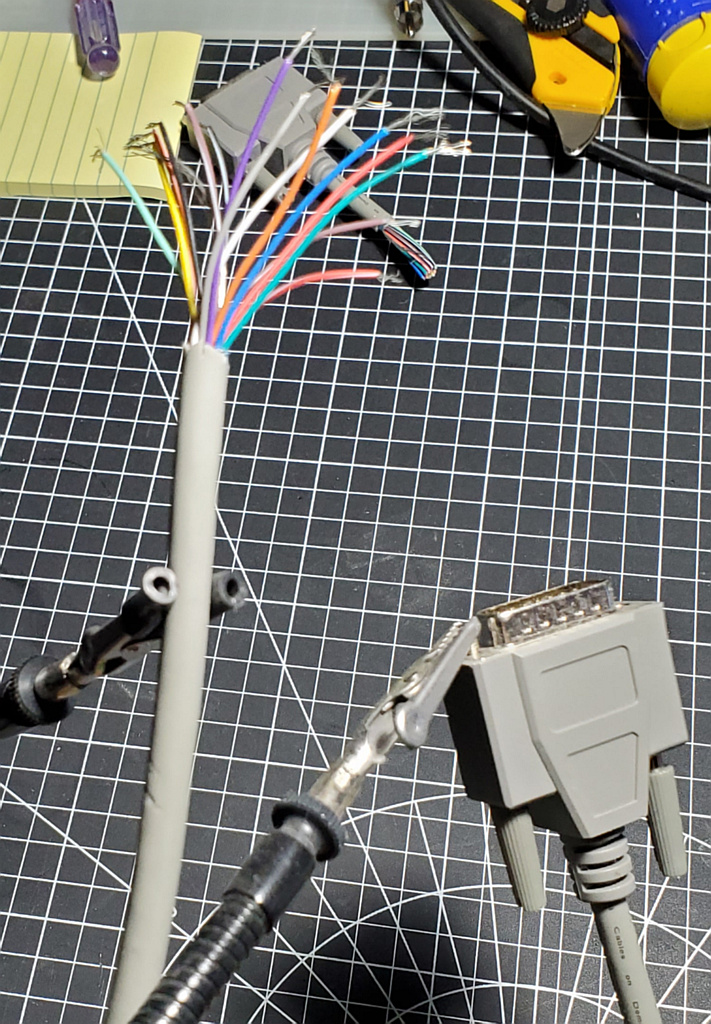
This one had spiderwebs. I'm using DA/DB15 for the controls on my arcade cabinets.
I'm not sure why you don't just use a standard SCART cable, but if you need a special cable, I could build a cable on suppositions. It would not cost anything like the prices you'll find for this. PM me if you're lost.
Let us know if a Euro-SCART cable was the solution all along.




