
http://www.hhgregg.com/ProductDetail.as ... ctID=24576
This is a very nice TV btw for the price. Only a shame it doesn't do 1080p but oh well.
The test is mainly concerning the aspect ratio that the Dreamcast VGA box produces. This TV allows a unique way to do this because its Pillarboxes when displaying 4:3 material are grey, not black like LCDs, presumably to prevent burn in. This allowed me to see what aspect ratio the Dreamcast was displaying. I will also test the monoprice VGA to HDMI adapter using the HDMI ports, and I will test the mad catz Light Blaster on House of the Dead 2.
The first test I connected the Dreamcast via a VGA box, with the VGA cable connected to the TV's PC port. I tested two games to see what aspect ratio the Dreamcast produced through its VGA box. The first game was Sonic Adventure 2 a 4:3 game, the second was Rayman 2 a 16:9 game. The interesting thing is on all games the Dreamcast aspect ratio is slightly narrower than the amount of space its supposed to fill.
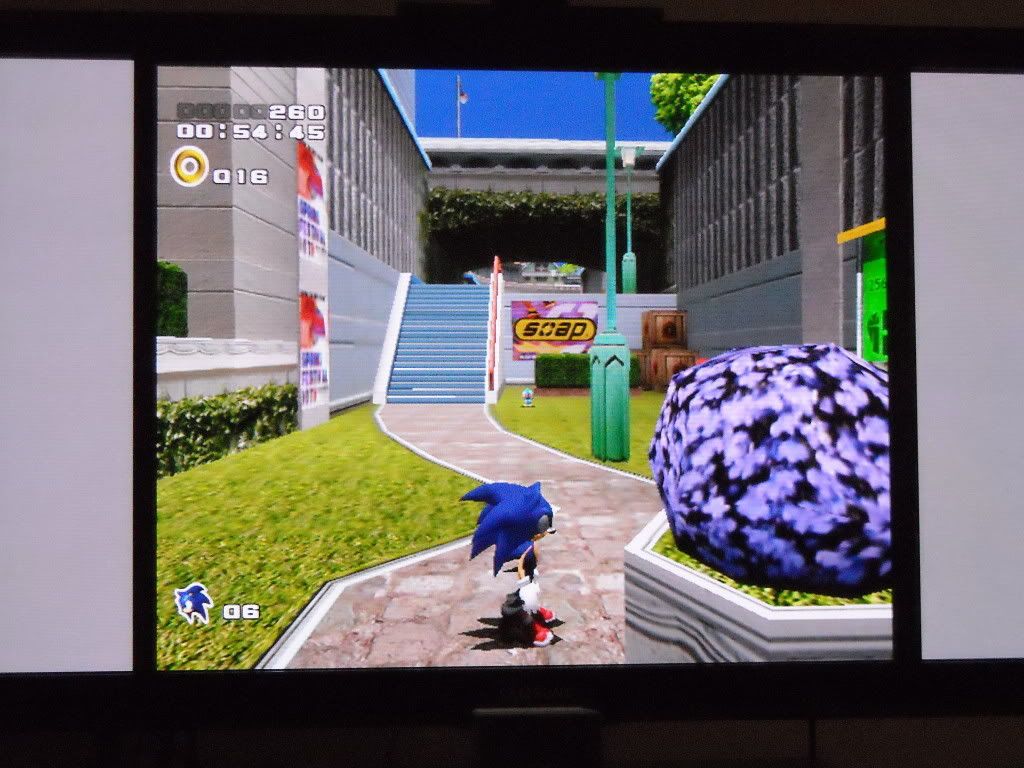
The TV is producing the gray bars, the Dreamcast is producing the black bars.
The same thing happens in a widescreen image.
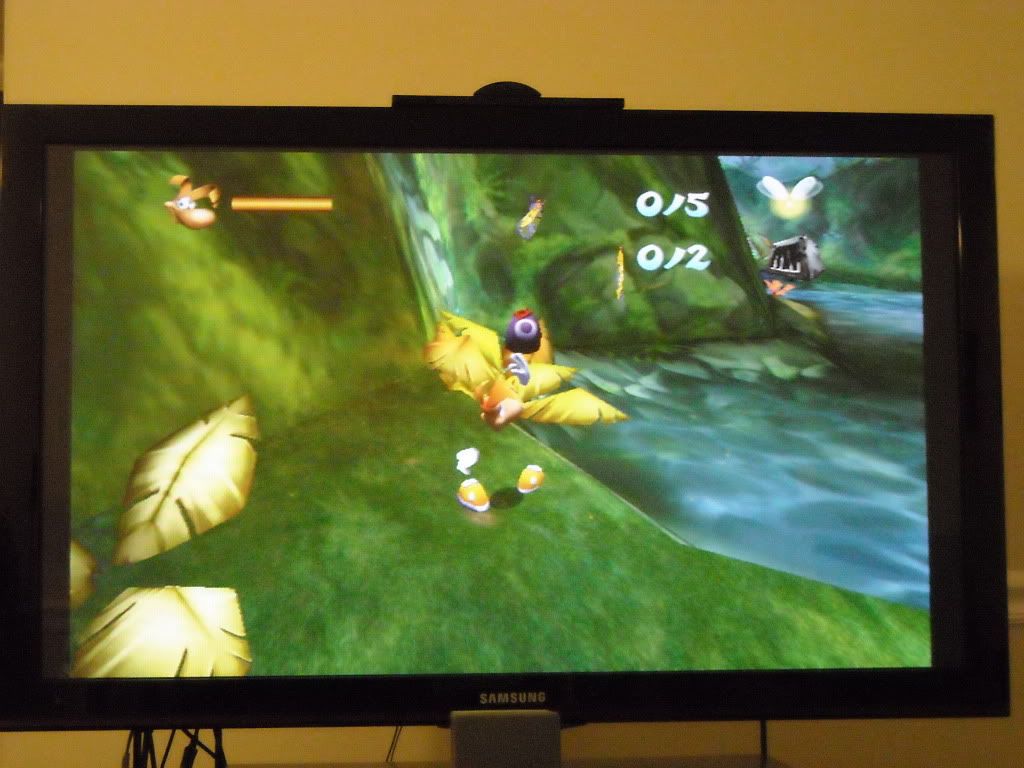
As you can see the Dreamcast is still outputting slightly narrow black bars. I know its the Dreamcast because my TV outputs gray bars. So neither the 4:3 image or 16:9 image is true.
I tested this same thing using the composite side of the VGA box and got the same results. Unfortunately I don't have regular Dreamcast cables to test it that way, however; I believe a thrift store near me does, so I'll keep you updated.
The second thing was to test it using the Monoprice VGA to HDMI adapter and connecting the Dreamcast through its HDMI port instead of VGA port. Interesting the aspect ratio was different.
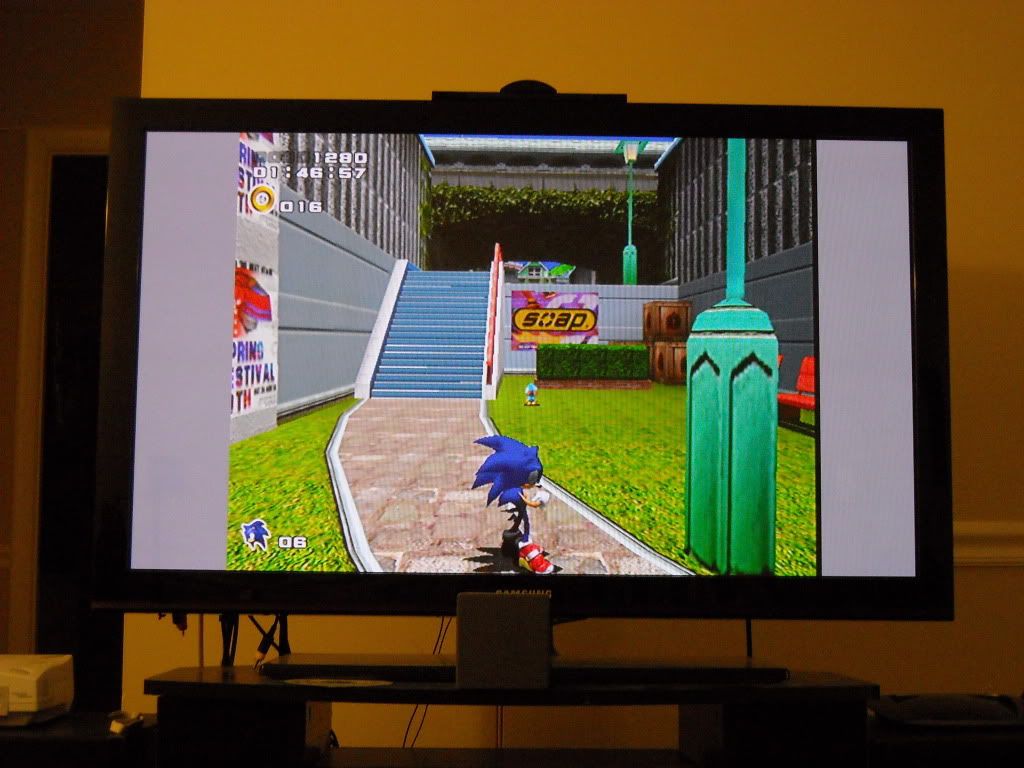
This image is slightly to the left, but still appears wider.
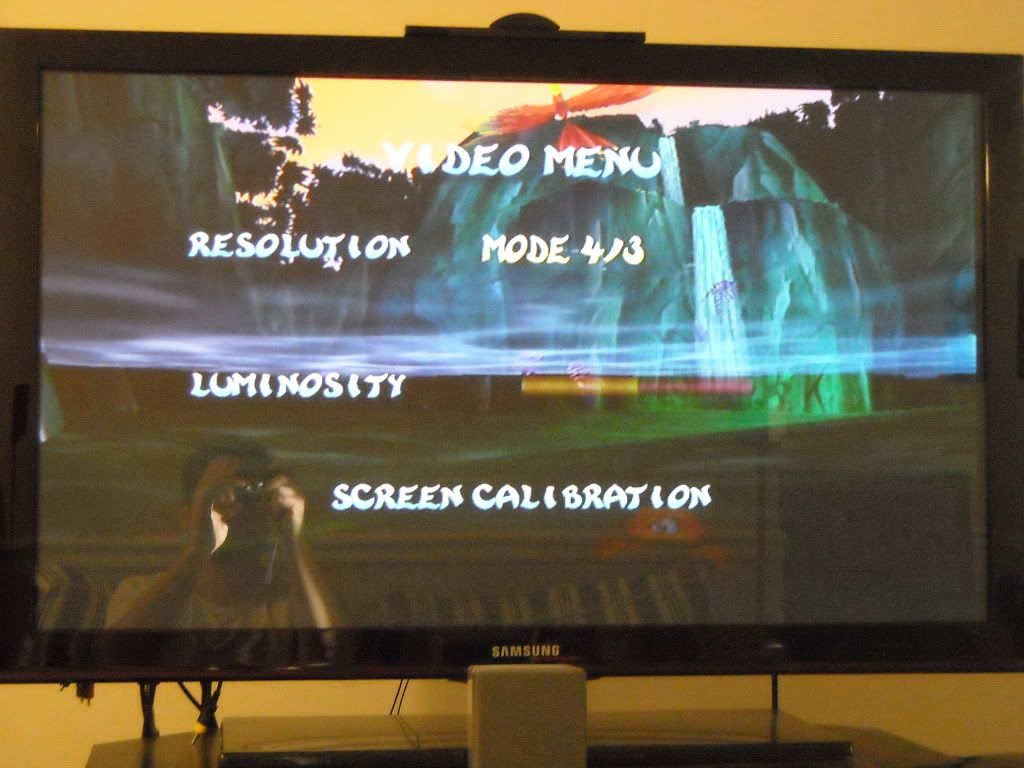
This time on Rayman I decided to take a picture of the Video Options screen, 1 because I didn't want to sit through the cut scenes again, and 2 because it shows that is has screen calibration. I moved the picture to the right slightly to find it was not cutting very much off and when calibrated it fills up the entire screen, its a full 16:9 image from the VGA to HDMI box.
The Monoprice VGA to HDMI box is a neat little tool, those that have TVs without VGA ports can utilize, or if for some reason you don't want to use the TV's VGA port. One good reason you might want to do this is too connect your Dreamcast into your audio receiver, the audio goes to the speakers, and the video goes to the TV. Often these receivers accept 3-4 HDMI sources, with 1 HDMI out to your TV, which can make your setup easier but allowing your receiver to act as an electronic switch box, and connecting your Dreamcast via HDMI in this way opens up a world of settings with audio syncing to video if you're so inclined.
Here's how it works.
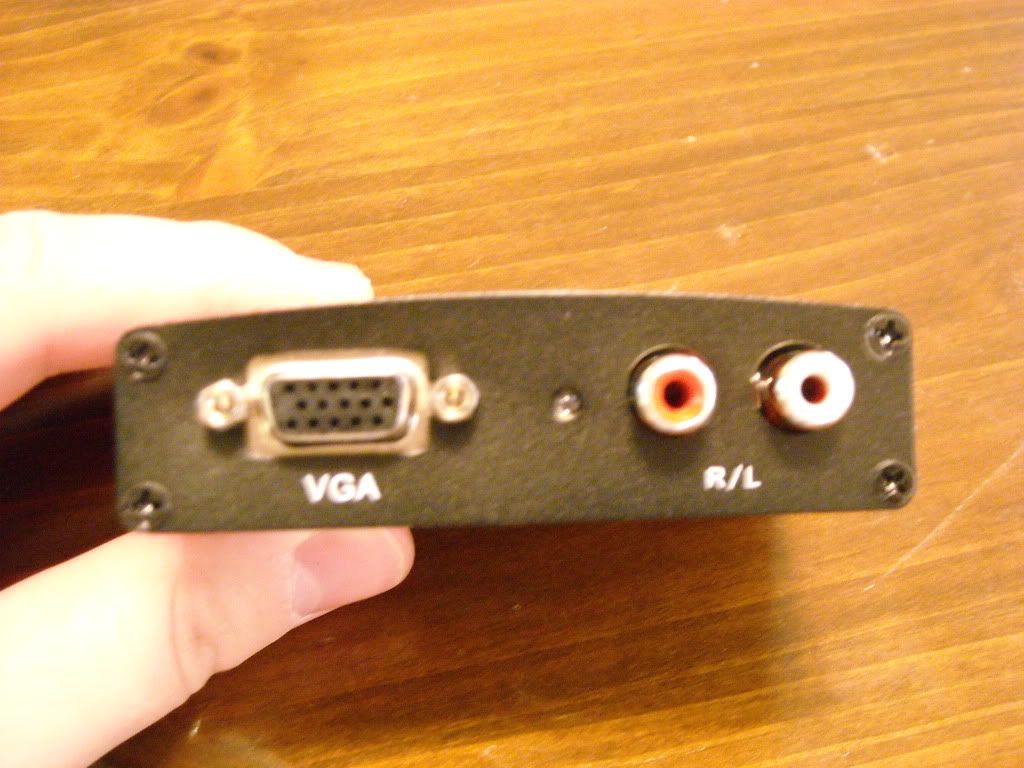
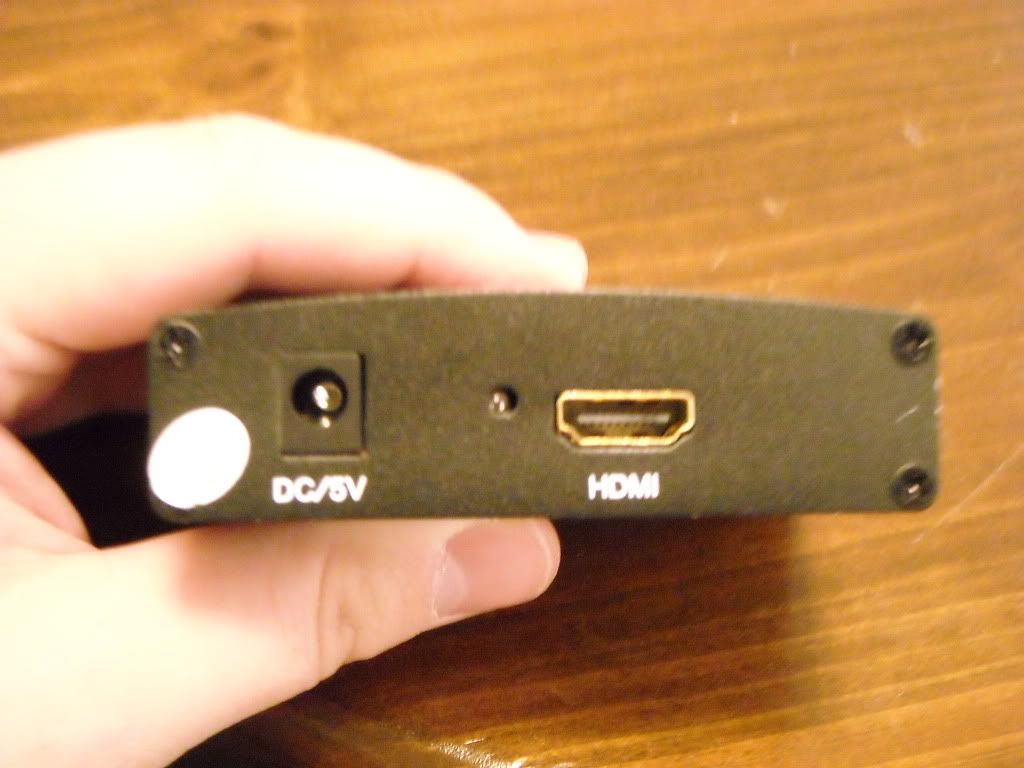
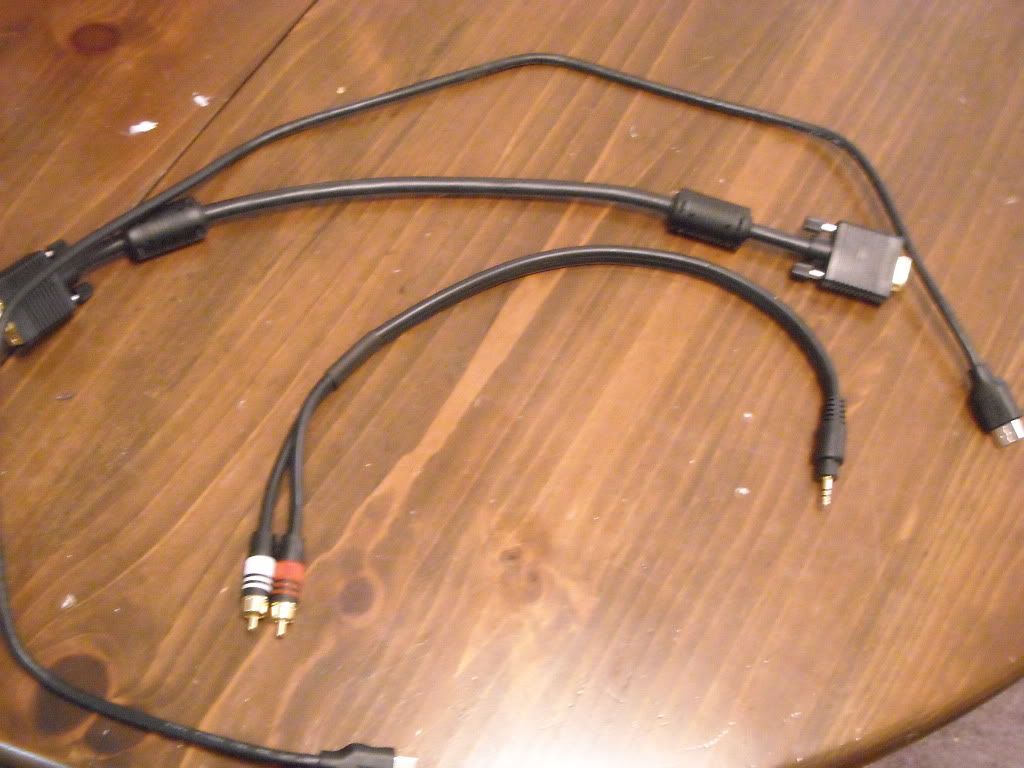
You'll need this:
DC VGA Box
VGA cable (recommend short length to reduce clutter I use a 1.5 SVGA cable from monoprice, SVGA and VGA can be used interchangeably)
3.5 mm to RCA adapter (same length as VGA cable recommended for ease)
HDMI Cable
Monoprice VGA to HDMI box
All of this but the DC VGA box can be purchased at monoprice for cheap.
This is a link to the VGA to HDMI box
http://www.monoprice.com/products/produ ... 1&format=2
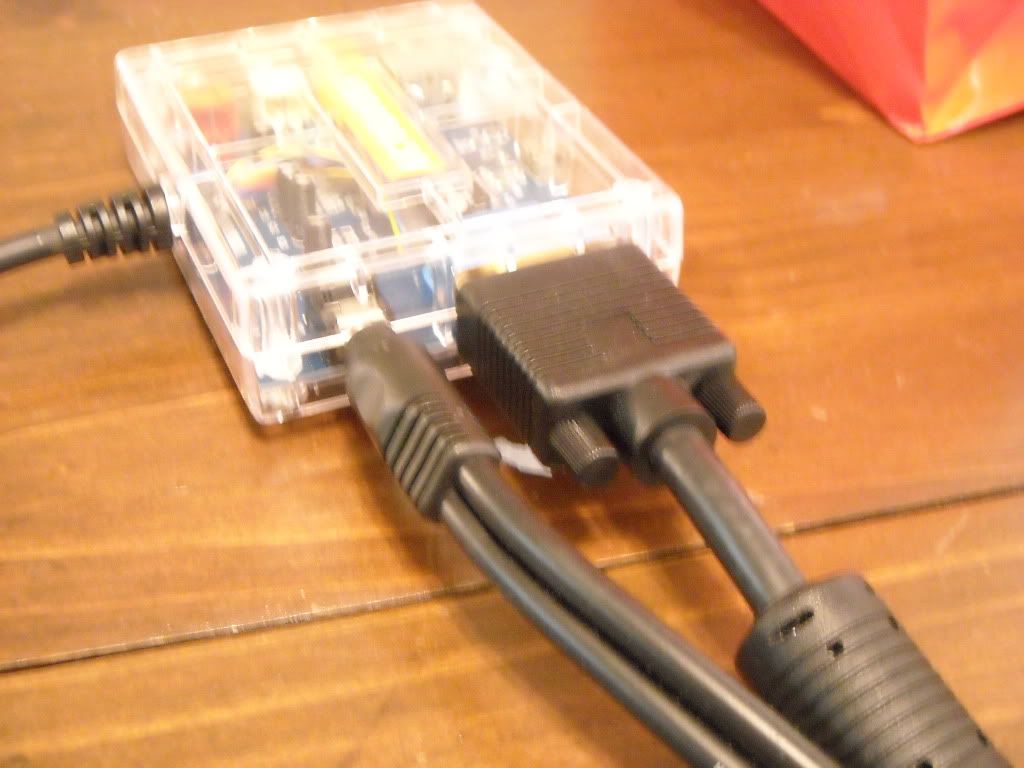
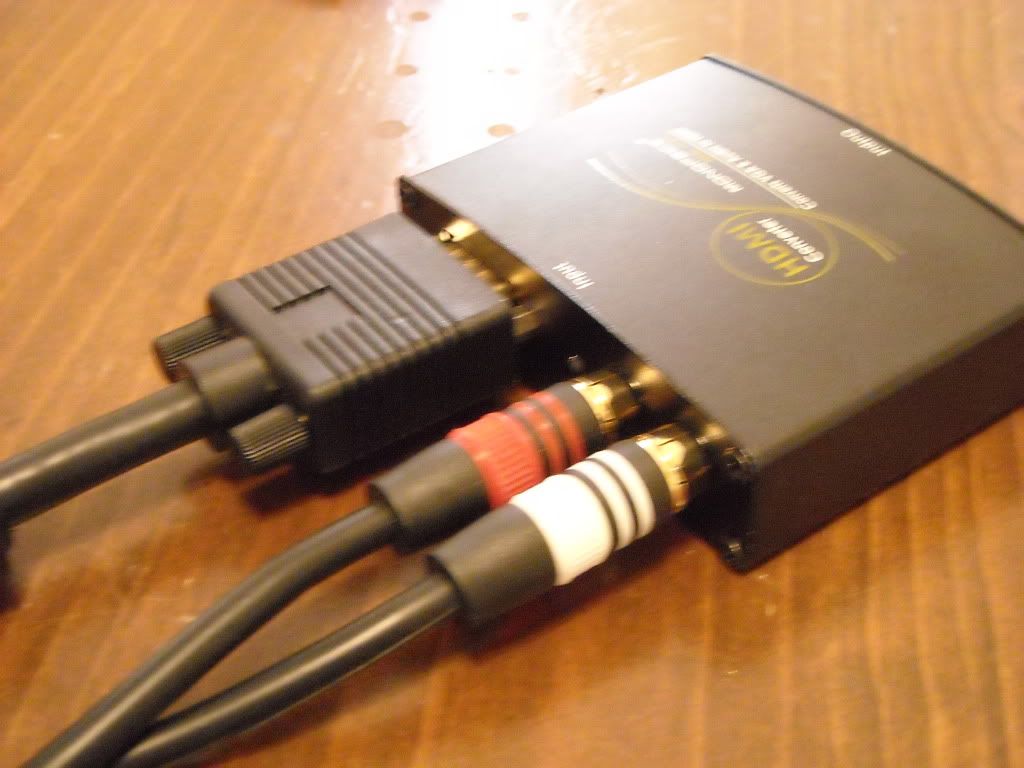
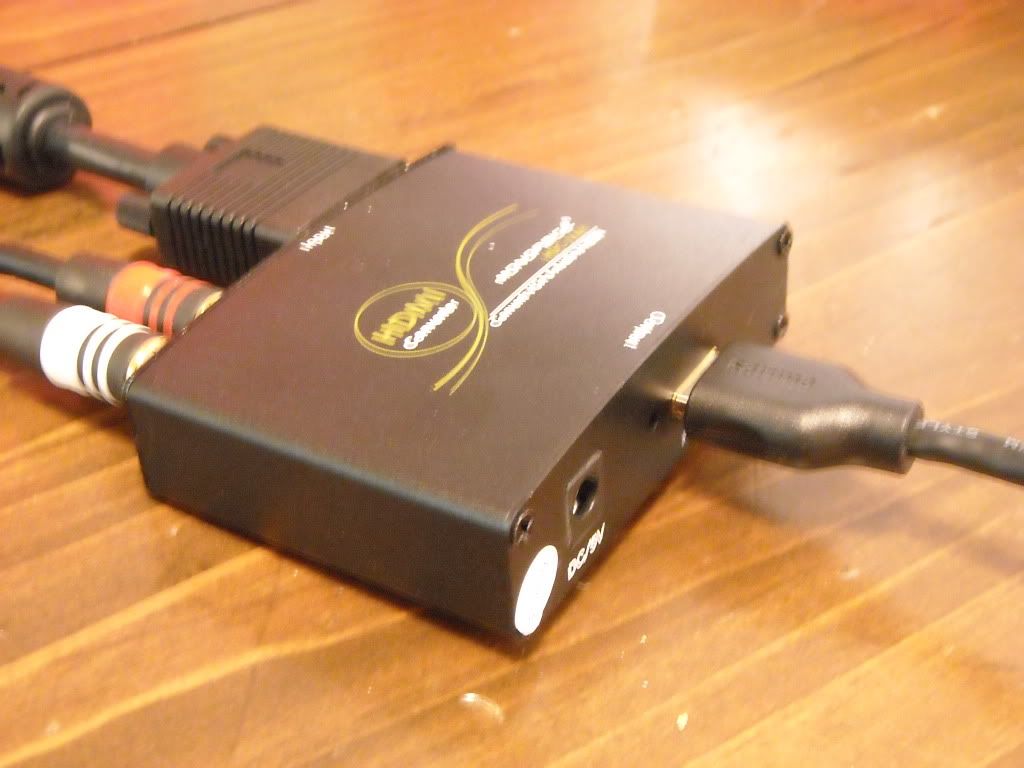
You have to plug in the VGA to HDMI box. You'll then get two LEDs. One that shows you its plugged in, and one that shows you its outputting HDMI signal.
The coolest thing about this box is it combines the Audio and Video signals into the one HDMI cable, which is what allows you to connect it to an Audio Receiver first. I also noticed the sound is notably higher using this box then connecting with a 3.5mm cable straight into my TV, probably because the sound is going through the receiver first, and not the TV.
Here are the specs of it:
The supported VGA input signals are:
640x480 @ 60 & 75hz Dreamcast
800x600 @ 60 & 75hz
1024x768 @ 60 & 75hz
1280x720 @ 60 & 75hz
1280x768 @ 60 & 75hz
1280x960 @ 60hz & 75hz
1280x1024 @ 60hz & 75hz
The supported HDMI output signals are:
480i, 480p, 576i, 576p, 720p, 1080i, 1080p.
You also could use this box to connect your laptop too, although mine has to adjust its resolution to fit as by ThinkPad is 1280x800.
Lastly I tested the MadCatz Dreamcast Light gun with HOTD 2 using both the VGA box and VGA to HDMI box. Interestingly I was able to fire shots that registered. They were very inaccurate, and it often took several shots to make my mark, but nevertheless the Plasma did pick up on the light gun signals. Even more surprising was that with the VGA to HDMI box it was more accurate than the VGA box alone. I still wouldn't recommend this TV for light guns, but its cool that they did register.
Hope this helps somebody







