saturn woes

Talk about just about anything else that is non-gaming here, but keep it clean
User avatar
ImportBoy
64-bit
Posts: 412
Joined: Sat Jan 06, 2007 11:00 pm
Location: New Jersey; United States
Contact:

Post by ImportBoy »

Could you tell me what all happens when you first turn on a good working saturn, either with or without a game disk already in the system?
I've never used an American Saturn so...

With my white Japanese Saturn if there is a CD already in the drive when you turn it on the Saturn will boot the game automatically. If there is no CD in the drive then it show an animation of the Sega Saturn logo being assembled; it will then go to the interface/dashboard/etc whatever you want to call it.

And by the way, I just checked - my Saturn boots up fine without any controllers plugged in.
-ImportBoy
Over 700 Saturn Games Available - Downloads, Information, & How To Guides
http://www.sega-saturn.us - [email protected]
Perseid
32-bit
Posts: 254
Joined: Fri Feb 02, 2007 1:50 am

Post by Perseid »

US Saturn: With a disc inserted it auto-boots. With no disc inserted it goes to the CD player menu. But if the initial settings have not been entered, it will not boot until you do. And I just checked and the CD player interface is controllable from port 2 so I assume the settings screen would be too.

So you either have two defective controllers, two defective controller ports or a bad controller interface. I don't know much about saturns, but logic says option 3 is unfortunately most likely.
User avatar
lordofduct
Next-Gen
Posts: 2907
Joined: Sat Apr 01, 2006 12:57 pm
Location: West Palm Beach

Post by lordofduct »

I asked you what model you have!

Try opening up your saturn... some models have a daughter board for the controller ports (a daughter board is a seperate PCB from the main mother board)

If it has a daughter board I'm betting some one went into your console to see if it was moddable and pulled the bugger apart, figured out it wasn't moddable, shoved the thing back together and forgot to connect the cable from the daughter board back to the mother board.

After taking you console apart, and if this is true, then just reconnect the cable.

Image

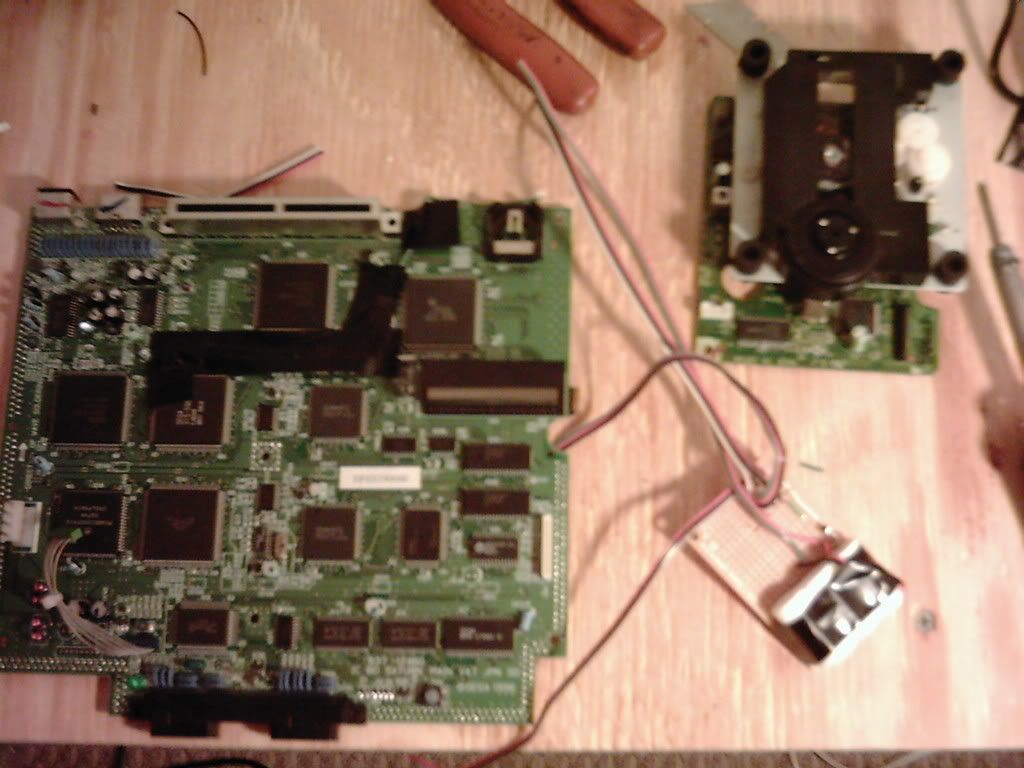
See it there... that white ribbon cable... that is what your looking for. (REMEMBER NOT ALL saturns have daughter boards... but I have a feeling yours is.)

Sorry I only have a picture of my saturn with a daughter board completely taken apart. Not in its case and I really don't feel like tearing it apart... especially when I don't know which of the 5 I own is it.

This is what one WITH OUT a daughter board will look like... for comparison:
Image
www.lordofduct.com - check out my blog

Space Puppy Studios - games for gamers by gamers
saturn3
Newbie
Posts: 6
Joined: Fri Dec 15, 2006 10:55 pm
Location: Ohio

Post by saturn3 »

I took the cover off the console. Everything looks like its been untouched. The yellow tape is still in tact holding all the wires down in place. I'm not a very good repair man and I really don't want to mess with the unknown. I may just sell the unit for extra parts to someone who knows about these systems more than I do. Let me know if anyone is interested. I try to check the boards every other day.
Post Reply